
You saw a book. Then you forgot it.
Find any book you see online, instantly. AI recognises the book in the picture, and saves it so you never forget a book you wanted to read.
Ten catches free. No account, no sync. Your shelf never leaves your browser.
Right-click a cover. That is the whole thing.
You see a book on X, on Reddit, in a newsletter, in someone's photo of their desk. Anywhere there is a picture, it is one right-click and about three seconds of AI cover recognition. No tab to open and no title to type.
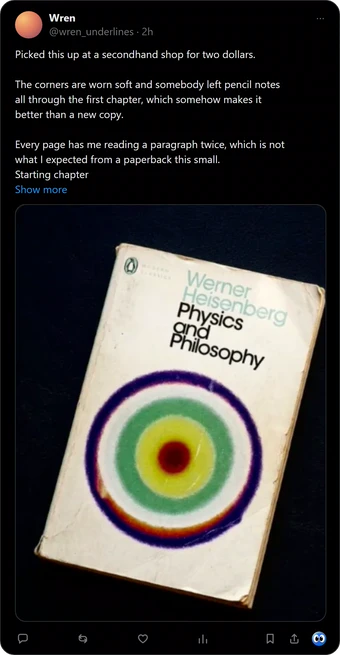
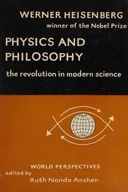
1Right-click any cover
2AI recognises the book
3It is on your shelf
One photograph. Every book in it.
A shelf somebody posted, a stack on a desk, a pile in a video thumbnail. Buki reads every cover in the photo with AI and hands you the list, so you keep the ones you want and leave the rest.
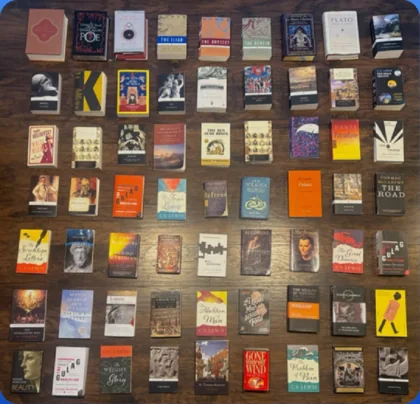
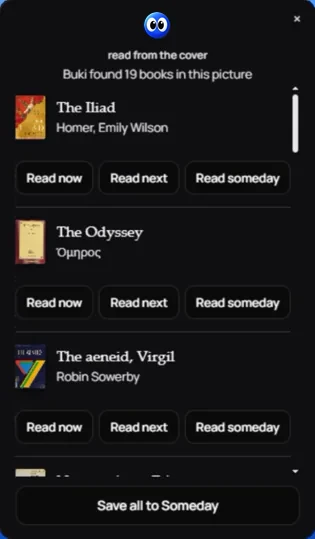
1Right-click a photo of books
2Pick the ones you want
Buki caught every one of those books in seconds and put them on your shelf.
A shelf, face out, that looks like a shelf.
Not a list of links. Not a folder you will never open. Covers you recognise on sight, filed under Now, Next, Someday and Finished, each one still carrying the page it came from.
119 books caught
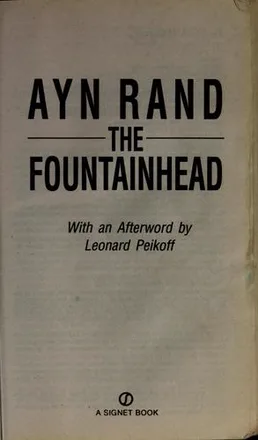
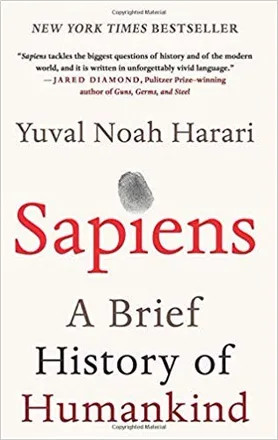
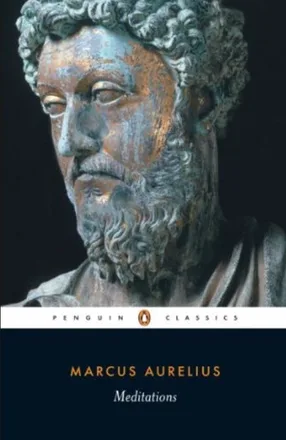
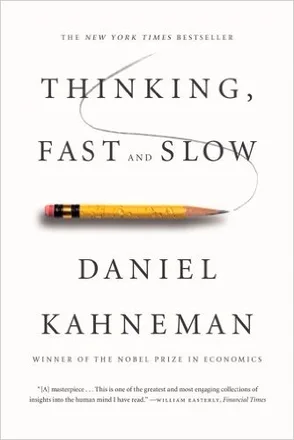

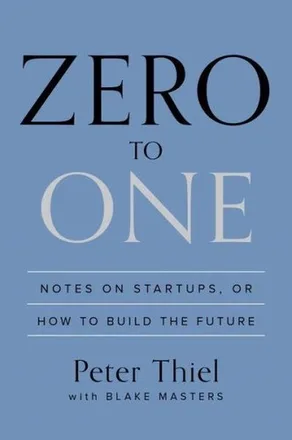
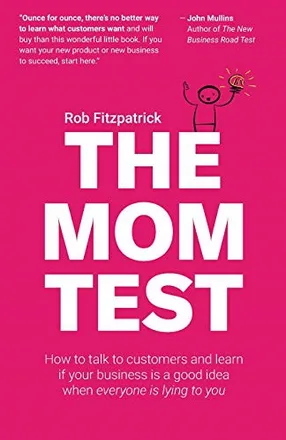
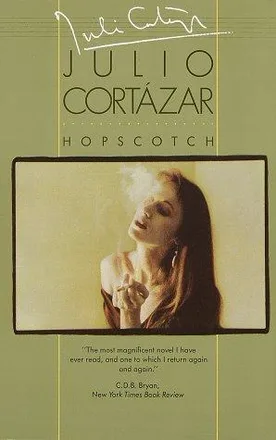
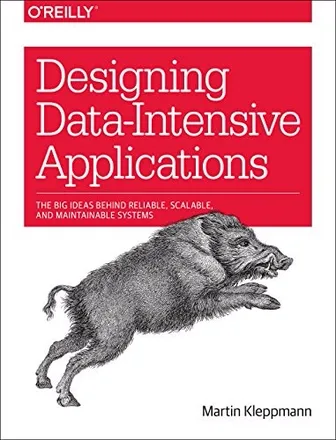
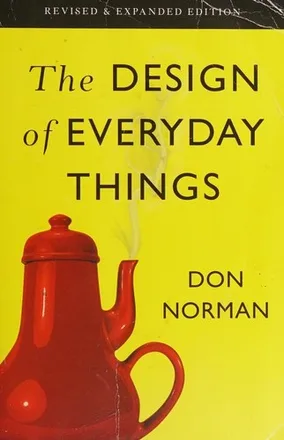
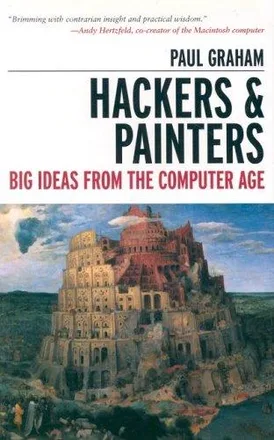
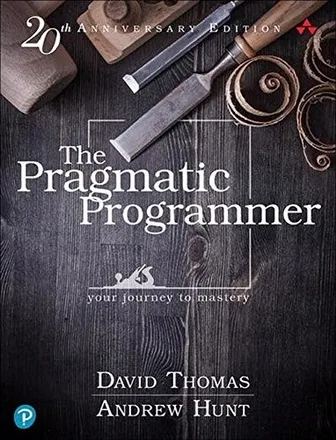

A reading list begins with a title. Buki begins with a picture.
Those are the books that get lost. A cover in a post, a spine in a video thumbnail, a paperback on someone's desk in a photograph. If it is a picture in a browser, it is a book you can keep.
Ten catches to find out. Then $29 a year, or $4 a month.
Reading a cover from a photograph is the one thing that costs real money to run. Everything else is free forever, including the shelf.
Free
$0forever, no card
Enough to find out whether this belongs in your browser.
- Ten cover photographs read for you
- Unlimited catches from a shop link
- The whole shelf, kept forever
- Export to Goodreads and StoryGraph
 Get Buki free
Installs from the Chrome Web Store. No card.
PRO
$4a month
$29a year
Or $29 a year, which is nearly five months free.
Billed once, and that is nearly five months free.
For when you stop thinking about it and just catch books.
- Unlimited cover reading, with no key to go and fetch
- Faster, and it does not throttle
- Export to Goodreads and StoryGraph
- One person pays for the model instead of you holding a key
Secure checkout with Polar. Cancel any time.
Take Free if you already have a Google AI Studio key, or you only ever catch books from shop links. It is not a crippled tier. With your own key the cover reading is unlimited and it never expires.
Take Pro if you would rather not hold an API key at all. That is the whole difference. Four dollars is roughly two coffees a year less than the cheapest reading tracker, and there is no account to make. Install free and add the licence when you run out of catches; cancel whenever you like, and every book you caught stays on your shelf.
Your shelf never leaves your computer.
When you ask Buki to read a cover, the picture goes to Buki and on to the vision model, and the title it finds goes to OpenLibrary to confirm the book is real. That is everything that leaves. No account, no tracking, no analytics, and the shelf itself is stored in your browser. Read the privacy policy.
Saved books carry a Buy link. If you buy through it, Buki may earn a small commission at no extra cost to you. It appears only on books you have already chosen to save, and it never changes which books Buki shows you or in what order. You can choose Bookshop.org or Amazon in the options page.
Before you ask.
- How do I find a book from a picture?
- Right-click the picture and choose Save book to shelf. Buki's AI image recognition reads the cover, checks the answer against OpenLibrary, and offers you the book. There is no title to type and no link to find. Nothing is saved until you pick a pile.
- What is AI image recognition for books?
- It is reading a book from a photograph of its cover rather than from text. Buki sends the picture and the words around it to an AI vision model, then checks the answer against OpenLibrary's catalogue before offering you the book. A cover with no title written anywhere still resolves.
- Can I save books from X, Reddit or Pinterest?
- Yes, and anywhere else there is a picture. On X, Buki's mark sits in the post's action bar and one click catches the book. Everywhere else it is a right-click. The shelf is the same one either way.
- Google Lens already does this, free.
- Lens tells you what the book is. It does not keep it. Close the panel and the answer is gone. Buki is the shelf, not the answer.
- Why pay when I can bring my own key?
- You never have to. Bring your own recognition key and read as many covers as you like, forever. Pro is for people who would rather not hold a key at all.
- What happens if I stop paying?
- Every book you caught stays, opens, moves between piles and keeps its Buy link. The shelf is on your computer and it is yours. Only new cover reading stops.
- Will it get a book wrong?
- Sometimes, which is why nothing is saved without you choosing a pile. Every reading names its evidence, so you can check it before you keep it.
- Does it work outside X?
- Anywhere there is a picture. Reddit, a newsletter, a blog, a video thumbnail, a friend's photo of their desk. The right-click menu is the whole interface.
- Do I have to make an account?
- There is no account to make. Install it and catch a book. Paying adds a licence key to the extension and nothing else.

The next book you see is the one you will forget.
Unless it is on a shelf. Ten catches, no card, no account, about four seconds to install.
Get Buki free
Free. Then $4 a month if you keep using it.
Plates: Michele Marieschi, Capriccio with Ruins and an Antique Arch, and Giovanni Paolo Panini, An Architectural Capriccio of the Roman Forum. Both public domain, from Wikimedia Commons, duotoned for this page. Book covers via OpenLibrary, shown to identify the books they are the covers of.